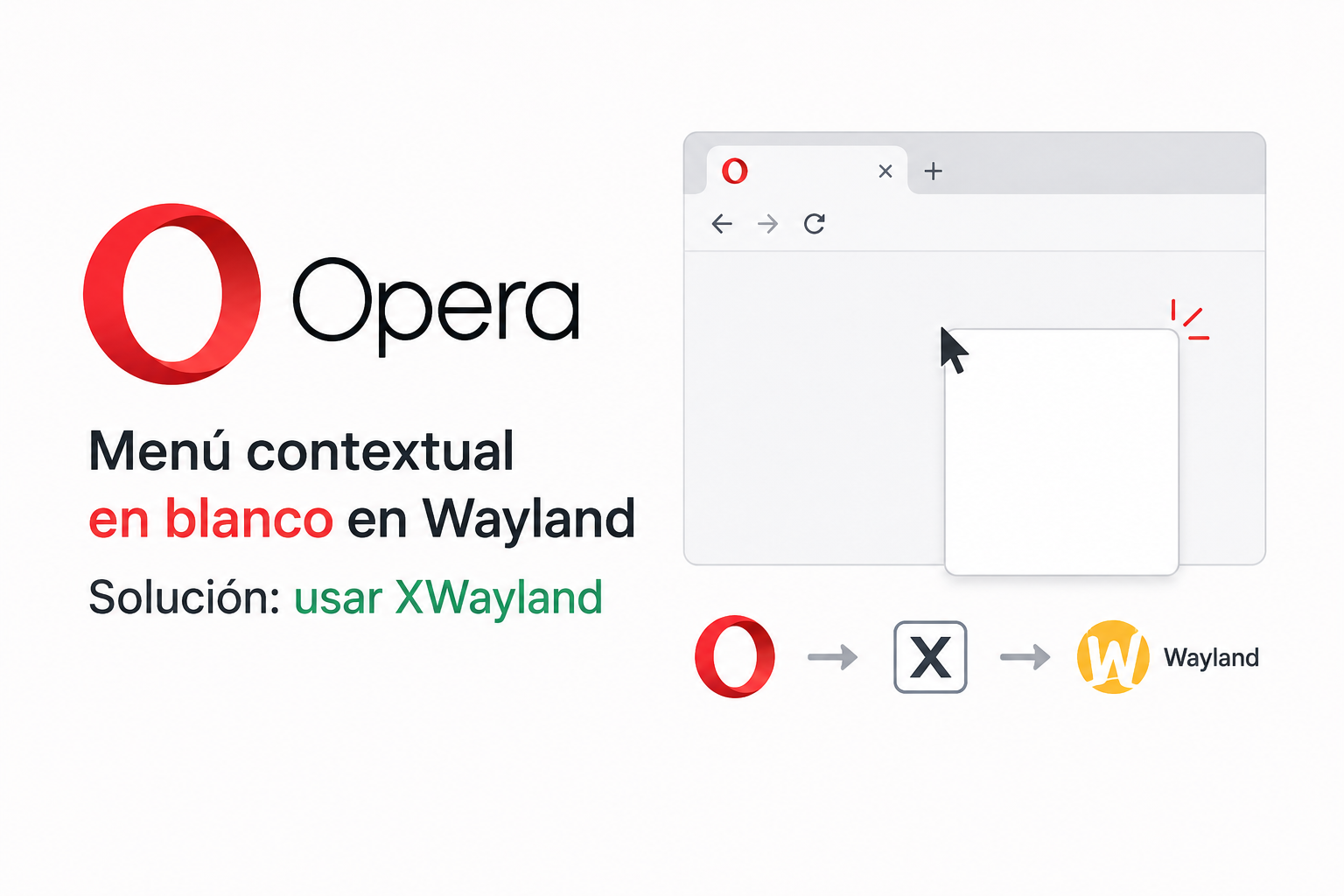
Using Opera under Linux and Wayland (in my case Fedora and Ubuntu), I encountered a rather annoying problem (another one to add to the list): when right-clicking on certain areas of the browser, especially the tab bar, the context menu appeared completely blank.
After several tests, I discovered that the problem was related to Opera’s Wayland/Ozone implementation.
The solution is to force Opera to run using XWayland, until a definitive fix is implemented.
Let’s see how to do it permanently without affecting possible upgrades that might overwrite the configuration files:
- Create the local user applications directory if it doesn’t already exist:
| |
Copy the original Opera `.desktop file:
| |
Edit the file:
| |
We need to modify all lines that begin with Exec, adding the parameter: --ozone-platform=x11
It should look something like this:
| |
Finally, completely close Opera:
| |
With this, when you restart the browser, the problem should disappear completely :)
In my case, this solution worked on both Ubuntu and Fedora 44.
PD: Banner image generated with A.I.